Lockhearth

Family papers, kept safe

Passports, medical records, photos and videos for the whole family, encrypted on your iPhone and synced through your own iCloud.

See how you get back in App Store, early 2027

For the moment someone asks

At the emergency room, 2 a.m.Your son's allergies, blood type and vaccination record, one tap from your lock screen.

At the borderA clear scan of every passport in the family, even with no signal.

After the basement floodsThe insurance policy and the receipts for what was down there.

Before anything runs out

The expiry radar reads the dates on your documents and reminds you weeks ahead.

Passports, ID cards, car insurance, a child's travel consent. Three are tracked in the free version; Pro tracks all of them for the whole family.

Shared, room by room

Make a room for Medical, one for the house, one for the kids. Invite only the people who need each one.

Your partner sees the house papers. Your mother sees the kids' medical room while she babysits. Nobody sees your private vault unless you share it.

The part vaults get wrong

199

of 690 one- and two-star reviews we read for vault apps came from people locked out of their own files.

We cannot reset your password and we cannot open your vault. So before Lockhearth saves your first document, you write 12 words on paper, type them back, and watch a test vault open with them. Every month it checks that your iCloud copy still opens.

On your wrist, too

Apple Watch keeps a medical card and the next expiry dates, sent from your iPhone and encrypted for that watch alone.
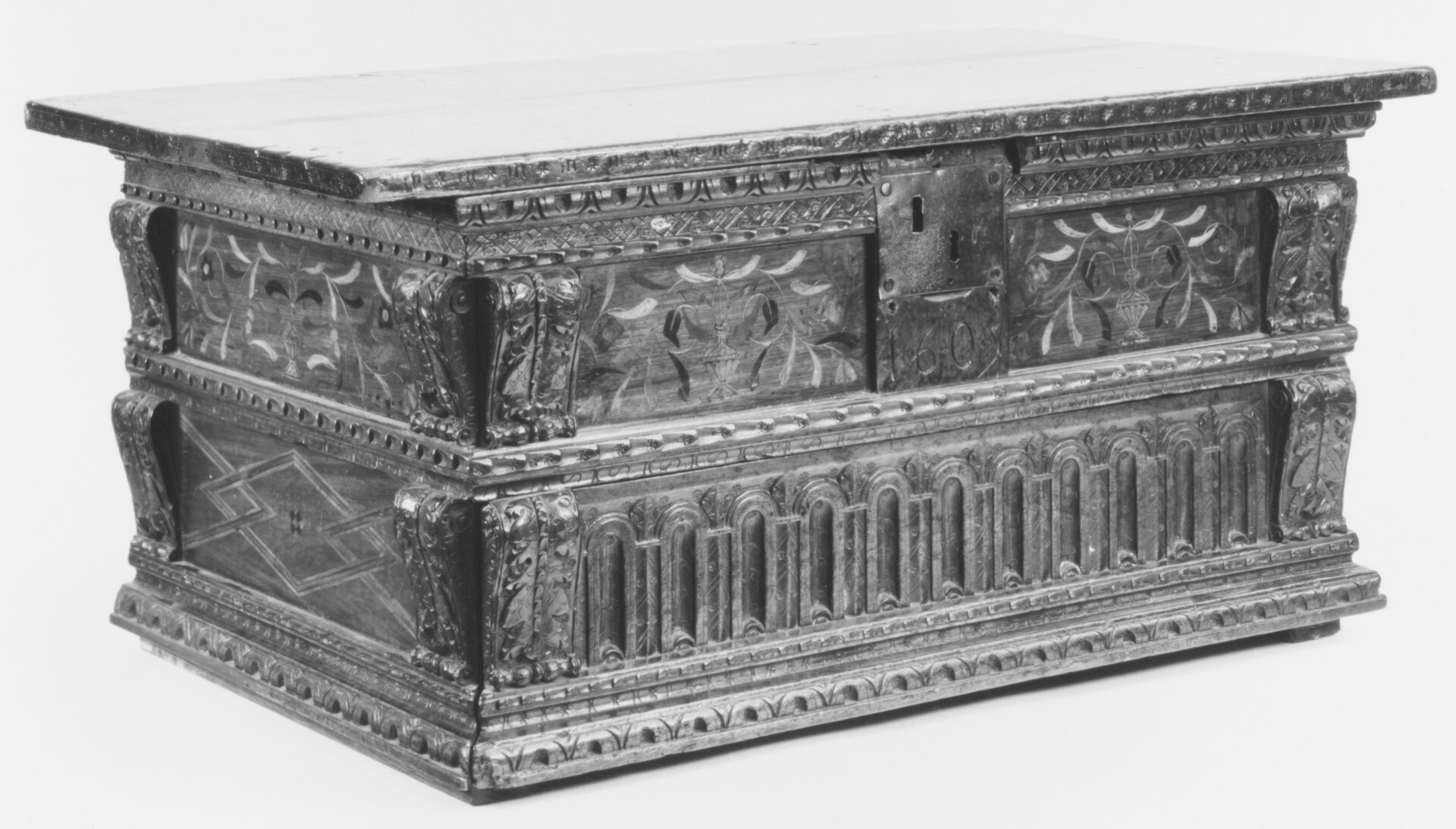
A carved walnut deed box with an iron lock plate, dated 1605.
A deed box from Italy, 1605.
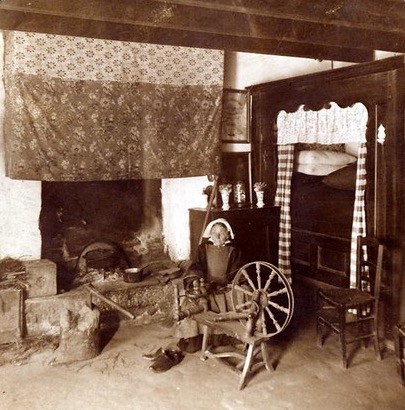
The hearth of a Breton village home around 1900.
A Breton home around 1900.

Families have kept their papers in one locked place by the fire for centuries. Lockhearth is that box, for papers that now live on phones.

Pick any two sheets

The printed family kit splits your key into three sheets. Keep one at home, give one to your sister, put one in a drawer at work. This is the same two-of-three scheme the app uses, running in your browser on a sample secret.

The vault is shutChoose two sheets. Without the script, the idea is the same: any two of the three printed sheets rebuild the key; one sheet alone is just noise.

This page makes new codes each time it loads. Real kit sheets carry a QR code and are made only on your device.

Free

For one person keeping their own papers safe.

Up to 100 items, 10 videos and 3 tracked expiry dates. Recovery, the monthly check and full export are included, and reading and exporting stay free for good.

$0

Lockhearth Pro

For the whole family, on every device.

Unlimited items and videos in original quality, shared rooms, a trusted person for emergencies, the full expiry radar, and the Mac, iPad and Apple Watch apps. One purchase covers up to six people in your Family Sharing group, with a 14-day free trial.

$79.99a year

or $9.99 a month

Coming early 2027

Straight answers

Can you unlock my vault if I forget everything? No. We never hold your keys, so there is nothing for us to reset. That keeps everyone else out, and it means a lost phrase cannot be replaced by us. This is why recovery is proven before your first save.

What happens on a new iPhone? Sign in with the same Apple Account with iCloud Keychain on. The key arrives through iCloud Keychain and the files through iCloud. If the key has not arrived yet, the app says it is waiting instead of showing an empty vault. Your 12 words open it either way.

Where are my files stored? On your devices and in your own iCloud, encrypted before they leave the device. Apple stores the encrypted data; neither Apple nor we can read it. We run no server that receives your documents.

What if I stop paying? You keep everything and can read, open and export every file. You only lose the ability to add beyond the free limits and the family features.

How does a trusted person get in? They ask from their own iPhone. Nothing opens until the waiting period you chose has passed and you approve. You can refuse at any time before that.

I lost the paper with my words. While you can still open the app, make a new phrase in Settings. If the paper may have been seen by someone else, re-encrypt the vault too, so the old words open nothing.

Do you track how I use the app? No analytics by default and no ads. Crash reports reach us only if you share them with developers in your iPhone settings.

When can I use it? Lockhearth is in testing now and comes to the App Store in early 2027, on iPhone, iPad, Mac and Apple Watch at the same time.